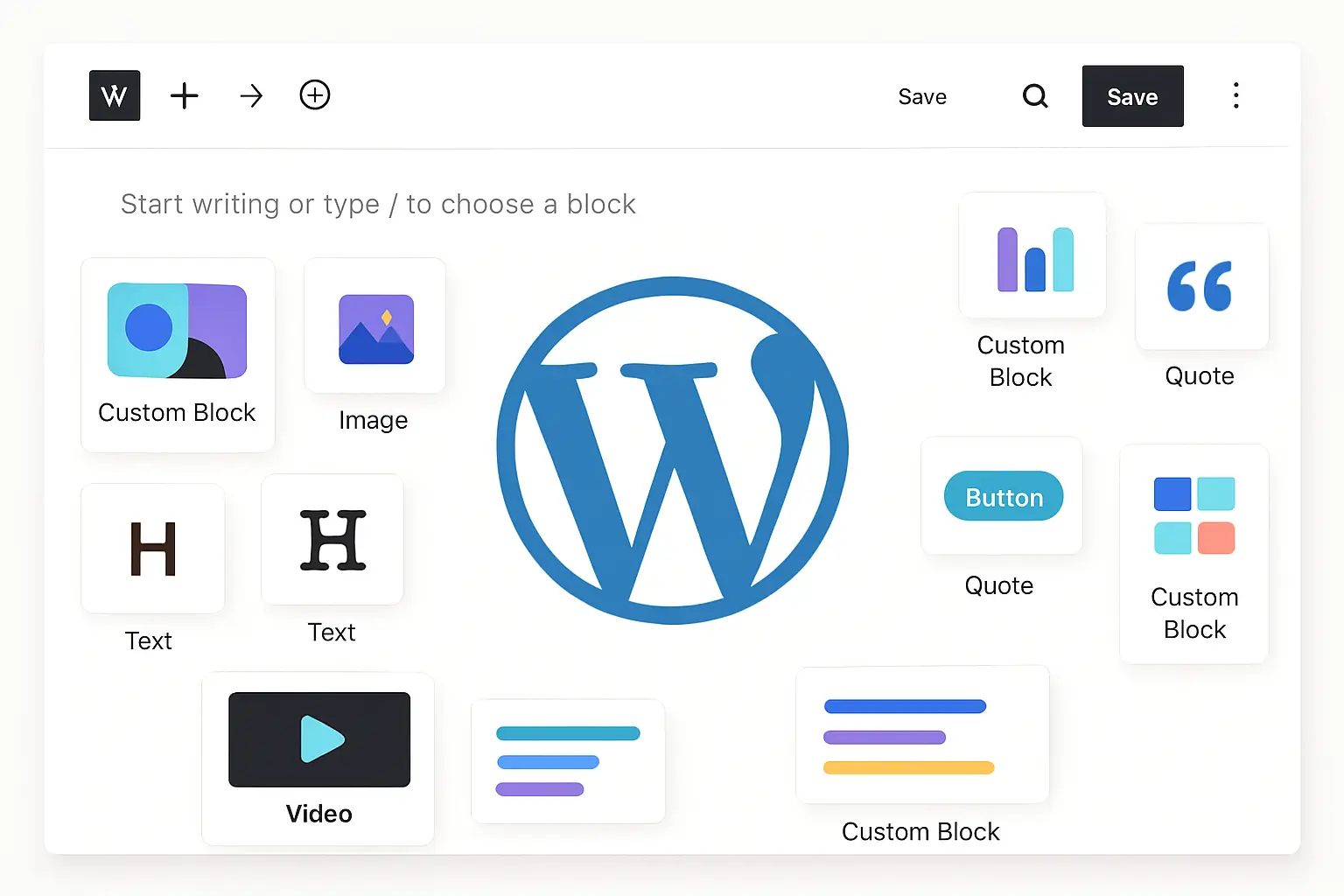
The Gutenberg Block Editor has revolutionized WordPress content creation by providing a flexible, intuitive way to build pages and posts. But sometimes, default blocks don’t quite fit your unique needs. That’s where custom Gutenberg blocks come in.
In this post, you’ll learn how to create custom blocks easily—to add personalized, reusable design elements to your WordPress site without heavy coding. Even beginners can follow along!
Why Create Custom Blocks?
- Reusability: Build once, use everywhere.
- Consistency: Maintain a coherent design system.
- Flexibility: Tailor blocks exactly to your needs.
- Better client control: Allow clients to edit content without breaking layouts.
Two Ways to Create Custom Blocks
1. No-Code / Low-Code Approach Using Block Patterns
Block patterns are predefined block layouts you can save and reuse. WordPress 6.8+ makes creating and managing these easier through the Block Editor interface.
- Group multiple blocks into one.
- Save the group as a reusable block or pattern.
- Insert patterns on any page or post.
- Use plugins like GutenKit for enhanced block pattern creation with drag-and-drop layouts and responsive design options.
2. Coding Your Own Custom Blocks (Simplified)
If you want more control or dynamic functionality:
- Create a plugin to load your block files.
- Register the block with
registerBlockType. - Define your block’s editor and front-end markup using React components.
- Use ACF Blocks for an easier bridged approach between PHP and React.
Step-by-Step: Creating a Simple Custom Block
- Set up a new plugin folder in
/wp-content/plugins/. - Add your block registration PHP file.
- Create JavaScript files where you define block edit and save functions using React syntax.
- Enqueue scripts and styles properly.
- Activate your plugin in WordPress and start adding your custom block in the editor.
Tips for Success
- Use existing block libraries for inspiration.
- Test blocks extensively in different browsers and devices.
- Keep accessibility in mind—use semantic HTML and ARIA attributes.
- Document your blocks so clients and teammates understand how to use them.
Resources
- WordPress Developer Handbook on Block Editor
- GutenKit plugin for enhanced block controls
- Official ACF Blocks documentation