Tag: freelance web developer

  • 5 Signs Your Business Website Is Losing You Customers

    5 Signs Your Business Website Is Losing You Customers

    If you’re searching for the signs your website needs a redesign, it’s probably because something already feels off — the inquiries aren’t coming, or the site just doesn’t feel like “you” anymore.

    Having a website isn’t the same as having a website that works for you.

    Most small business owners assume that once a site is live, the job is done. It sits there, it looks fine, and surely it’s bringing in a few customers here and there.

    But a website that quietly underperforms doesn’t just fail to help you. It actively pushes people away — toward a competitor’s site, one tab over.

    If you’ve had a nagging feeling that your website should be doing more for your business, you’re probably right. Below are the most common signs your website needs a redesign, and what each one is really costing you.

    5 signs your website needs a redesign

    If two or more of these sound familiar, it’s not a coincidence — it’s a pattern worth fixing.

    1. It Loads Slowly

    You click a link, and you wait. Three seconds. Five seconds. Maybe it never quite finishes loading.

    Most visitors won’t wait that long. They didn’t come to test your patience — they came to find an answer, fast. If your site hesitates, they bounce back to the search results and click the next listing instead.

    Here’s the part that stings: that visitor doesn’t even know you. They never read your About page or saw your portfolio. They just know your site was slow, and that was enough.

    Speed isn’t a technical nice-to-have. It’s the first impression your business makes, before a single word is read.

    Fix hint: Compressing images and cleaning up unnecessary plugins usually solves most of this. You can check your current load time with a free tool like Google PageSpeed Insights.

    2. It Looks Broken or Outdated on Mobile

    Open your own website on your phone right now. Really — go look.

    Are buttons too small to tap accurately? Does text run off the edge of the screen? Do images stack strangely or overlap?

    Most of your visitors are on their phones, often while comparing you to two or three other businesses in the same search. A clunky mobile experience is one of the most visible signs your website needs a redesign, because it shows up the moment someone glances at their screen. If your site looks cramped, glitchy, or stuck in 2014 on mobile, it reads as a signal — fairly or not — that your business itself might be a little behind.

    People don’t file a complaint when this happens. They just quietly leave and try the next result.

    Fix hint: A responsive redesign ensures your site adjusts cleanly to any screen size, not just desktops. Google’s mobile-friendly test is a quick way to see how your site currently holds up.

    3. Visitors Don’t Know What You Do Within 5 Seconds

    Picture someone landing on your homepage for the very first time. They don’t read — they scan.

    Within about five seconds, they’re deciding: is this the right business, and can I trust it? If your homepage opens with a vague tagline, a stock photo, and no clear explanation of what you actually offer, that decision goes against you.

    This is one of the most common and most fixable problems on the list — and one of the clearest signs your website needs a redesign rather than just a few tweaks. Business owners often know their value so well that they forget to spell it out simply for a stranger seeing it for the first time.

    Clarity beats cleverness here, every time.

    Fix hint: Your homepage headline should say exactly who you help and how, in plain language — no guessing required.

    4. There’s No Clear Next Step

    Let’s say a visitor likes what they see. They’re interested. Now what?

    If there’s no obvious button, form, or phone number telling them what to do next, many of them will simply do nothing. Not because they weren’t interested — because you didn’t ask.

    This is one of the costliest gaps on a small business website, precisely because it’s invisible. The site looks fine. Nothing’s “broken.” But interest that never gets directed anywhere quietly evaporates.

    A website’s job isn’t just to inform. It’s to guide someone from curious to contacted.

    Fix hint: Every page should have one clear action — “Get a Quote,” “Book a Call,” “Contact Us” — and it should be easy to find.

    5. You Can’t Update It Yourself — So You Avoid It

    When was the last time you updated your site? If the honest answer is “I’m not sure” or “I’d have to ask someone,” that’s a sign worth paying attention to.

    A website that’s hard to edit becomes a website that doesn’t get edited. Old hours, outdated services, last year’s promotions — they all stay up simply because changing them feels like a hassle.

    Over time, this creates a quiet kind of neglect. The site isn’t actively broken, but it’s not actively representing your business either. And customers can sense when information feels stale.

    Fix hint: A well-built site should let you update text, images, and basic content yourself, without needing to call anyone.

    If your site has any of these signs, they’re all fixable. Get in touch and let’s figure out what it would take.
  • How Much Does a Custom WordPress Website Cost?

    How Much Does a Custom WordPress Website Cost?

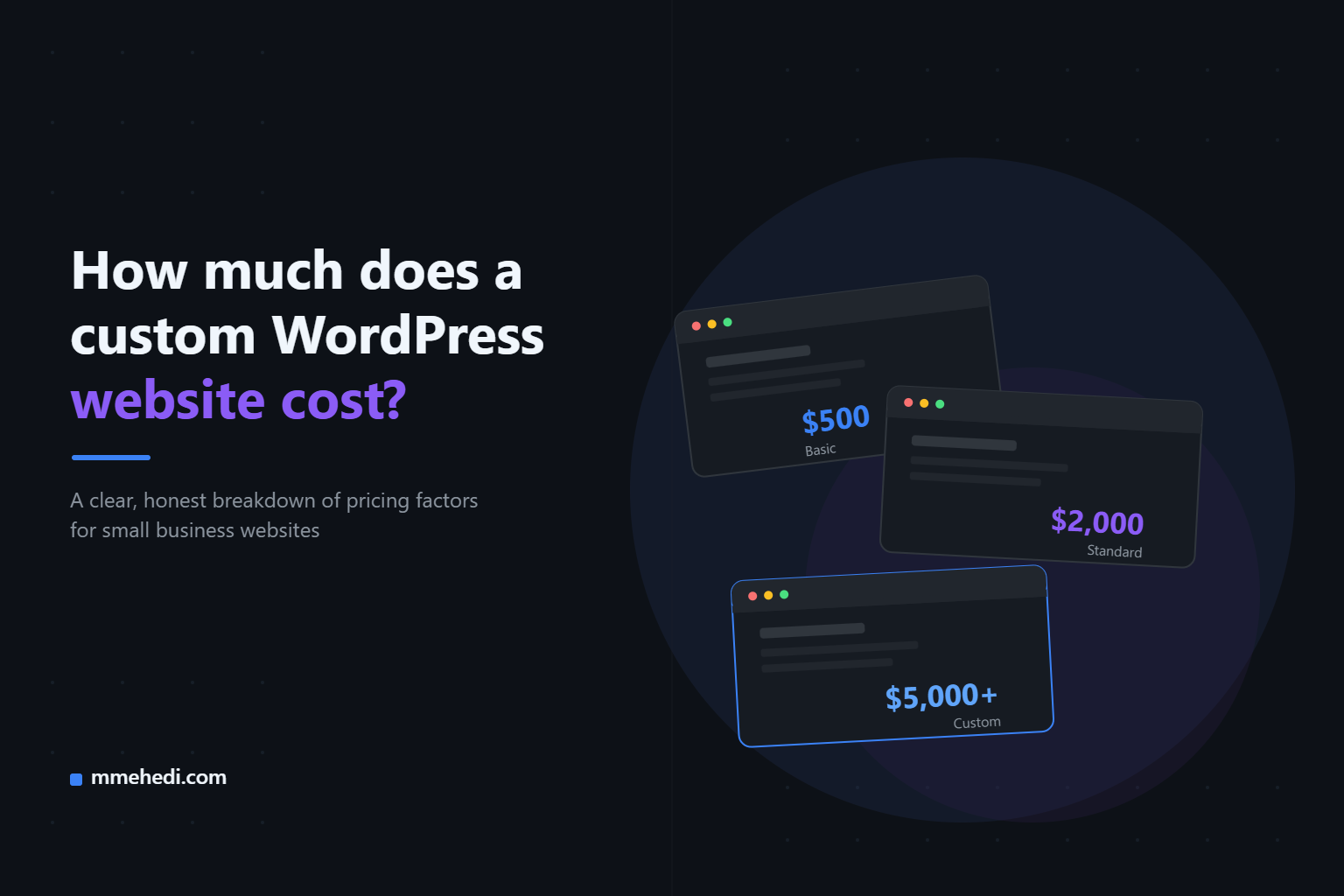
    Trying to figure out your custom WordPress website cost? You asked three developers for a quote. One said $500. Another said $3,000. The third said $8,000 and didn’t even explain why.

    Now you’re more confused than when you started.

    If this sounds familiar, you’re not alone. WordPress pricing feels like a black box, and most developers don’t do a great job explaining what you’re actually paying for.

    Let’s fix that.

    What Makes WordPress Website Pricing So Confusing?

    Here’s the truth: there’s no fixed price for a “WordPress website.”

    It’s not like buying a car where you can compare the same model across dealerships. Every project is different, and so is every developer’s process.

    A few reasons quotes vary so much:

    • Some developers use pre-built themes. Others build custom designs from scratch.
    • Some include content writing and SEO setup. Others just hand you a bare template.
    • Some price for “today.” Others price for “today plus six months of support.”
    • Experience level varies a lot — a student charging $300 and a senior developer charging $3,000 are not offering the same thing.

    None of these approaches are automatically wrong. But if a developer doesn’t explain what’s included, you have no way to compare quotes fairly.

    That’s really the core problem. It’s not that pricing is random — it’s that it’s rarely explained.

    Main Factors That Affect the Cost

    Once you understand what actually drives the price, quotes start making a lot more sense. These are the main factors that shape your custom WordPress website cost.

    Design complexity

    A simple, clean layout costs less than a fully custom design built around your brand. The more unique sections, animations, and custom layouts you want, the more time it takes to build.

    Custom features

    Basic websites just display information. But if you need things like:

    • Booking or appointment systems
    • Membership or login areas
    • Custom forms with complex logic
    • Integrations with other tools (CRMs, payment systems, etc.)

    …the cost goes up. These features require custom development, not just plugins.

    Content (text, images, copywriting)

    Many people forget this one. If you already have your text and images ready, that saves time and money.

    If a developer has to write your copy, source images, and structure your content from scratch, that’s additional work — and it should be priced as such.

    Ecommerce

    Selling products online adds real complexity. You’re not just building pages anymore — you’re dealing with:

    • Product catalogs and categories
    • Payment gateway setup
    • Shipping and tax rules
    • Inventory management

    A basic “contact us” website and an online store are two very different projects, even if they’re both “WordPress.”

    Ongoing maintenance

    WordPress needs updates — plugins, themes, security patches. Some developers bundle a maintenance plan. Others leave it entirely up to you.

    This isn’t always included in the upfront cost, but it’s worth asking about, because it affects your real long-term cost.

    Rough Price Ranges by Website Type

    These are general ranges based on typical project scope. Your actual quote will depend on your specific needs, so treat these as a starting point for conversations, not a fixed price list.

    Simple business website (5–8 pages)

    Roughly $500–$2,000

    This usually covers a clean, professional design, basic pages (Home, About, Services, Contact), and mobile-friendly setup using a quality theme.

    Portfolio or personal brand website

    Roughly $400–$1,500

    Often simpler in structure but may need more attention to visual design, since it’s representing you or your work directly.

    Custom-designed business website

    Roughly $1,500–$5,000

    This includes a unique design (not just a theme), more custom sections, and sometimes basic custom functionality.

    Ecommerce website

    Roughly $1,500–$8,000+

    The range is wide because it depends heavily on the number of products, payment/shipping complexity, and whether custom features are needed.

    Ongoing maintenance (optional)

    Roughly $30–$150/month

    Covers updates, backups, and basic monitoring, depending on what’s included.

    Again — these are general patterns, not promises. A developer should always give you a number based on your specific project, not a generic price sheet.

    What Cheap Usually Means (and the Risks)

    A low price isn’t automatically a red flag. Some developers genuinely charge less because they’re newer, work efficiently, or keep things simple.

    But it’s worth understanding what “cheap” sometimes means in practice:

    • Generic templates with no customization. Your site might end up looking like hundreds of others.
    • No real support after launch. If something breaks, you’re on your own.
    • Shortcuts on security. Outdated plugins or weak setups can lead to hacked sites down the line.
    • Vague scope. “I’ll build you a website” without specifics often leads to extra charges later for things you assumed were included.

    The risk isn’t the price itself — it’s not knowing what you’re trading off to get that price.

    A good rule of thumb: if a quote seems unusually low, just ask what’s included. A good developer will tell you honestly. A vague answer is the real warning sign, not the number.

    How to Get an Accurate Quote

    You don’t need to know any technical terms to get a fair, accurate quote. You just need to be clear about a few things before you ask.

    Before reaching out, try to have answers to:

    • How many pages do you actually need?
    • Do you have content (text, images) ready, or do you need help creating it?
    • Do you need any special features (booking, payments, login areas)?
    • Is this a brand-new site or a redesign of an existing one?
    • Do you want ongoing support after launch, or just the build?

    The more specific you can be, the more accurate (and comparable) your quotes will be.

    And when you do get a quote, don’t be afraid to ask: “What exactly is included in this price?” A trustworthy developer won’t mind explaining it — and honestly, they should want to.

    Not sure what your project would cost? Send me a quick message
    — I’ll give you a realistic estimate, no strings attached.